← Back to TempNotepad homeOnline Notepad Tips and Guides
Explore practical guides about online notepads, temporary notes, quick text sharing, browser writing, and simple ways to use TempNotepad for study, work, and everyday tasks.
Start here
If you are new to TempNotepad, start with these guides to understand how temporary online notes work, when to use them, and how to share text quickly with a simple link.
Guides · 2026-05-29 · 7 min read
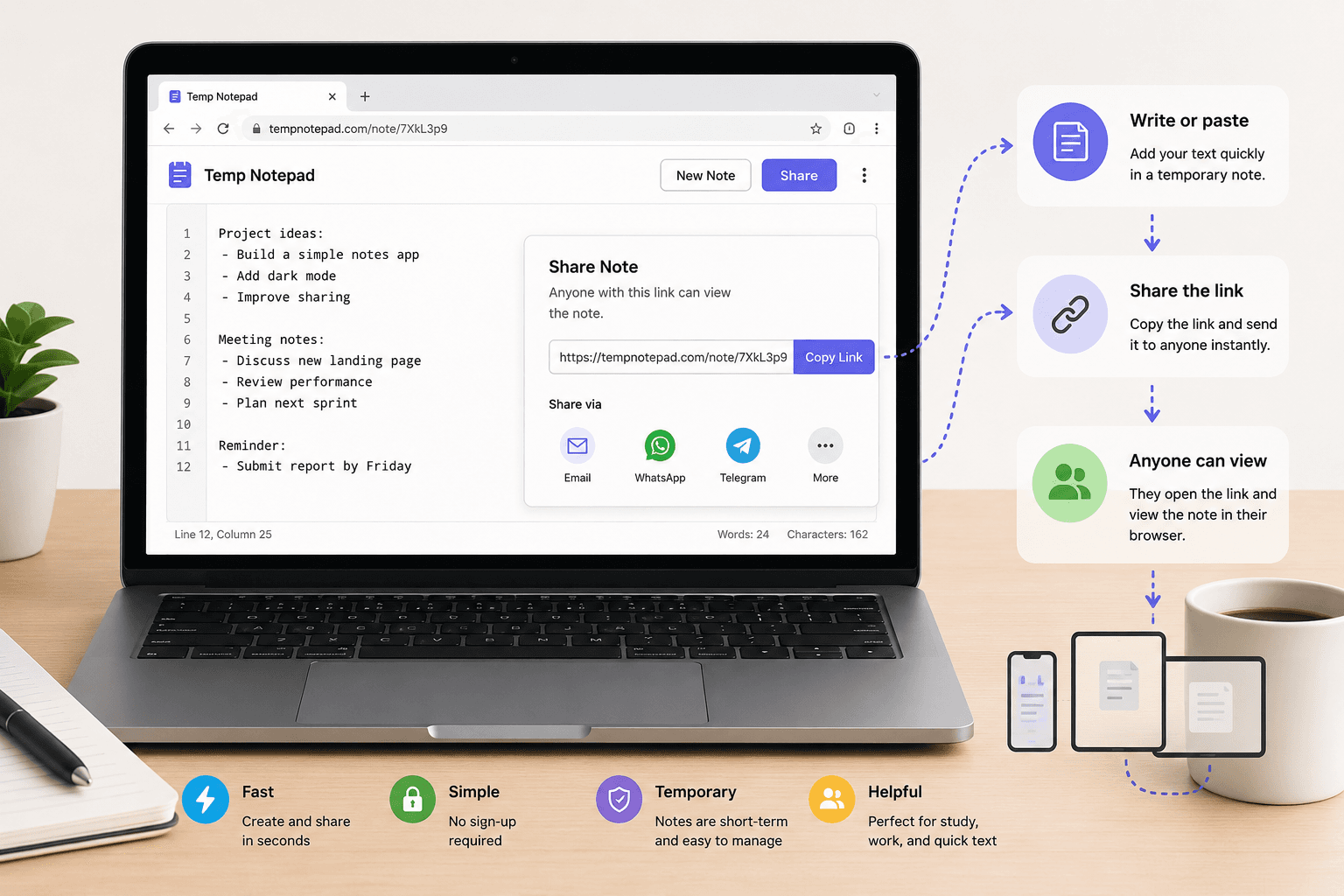
Learn how to share temporary notes online with a simple browser-based notepad. Great for quick text sharing, rough drafts, study notes, links, and short collaboration.
- A browser-based notepad is one of the fastest ways to share temporary notes online.
- This works well for rough drafts, copied text, links, reminders, and short collaboration.
- Temporary note sharing is best for lightweight use cases, not highly sensitive information.
Read more about How to Share Temporary Notes Online QuicklyStudents · 2026-05-29 · 7 min read
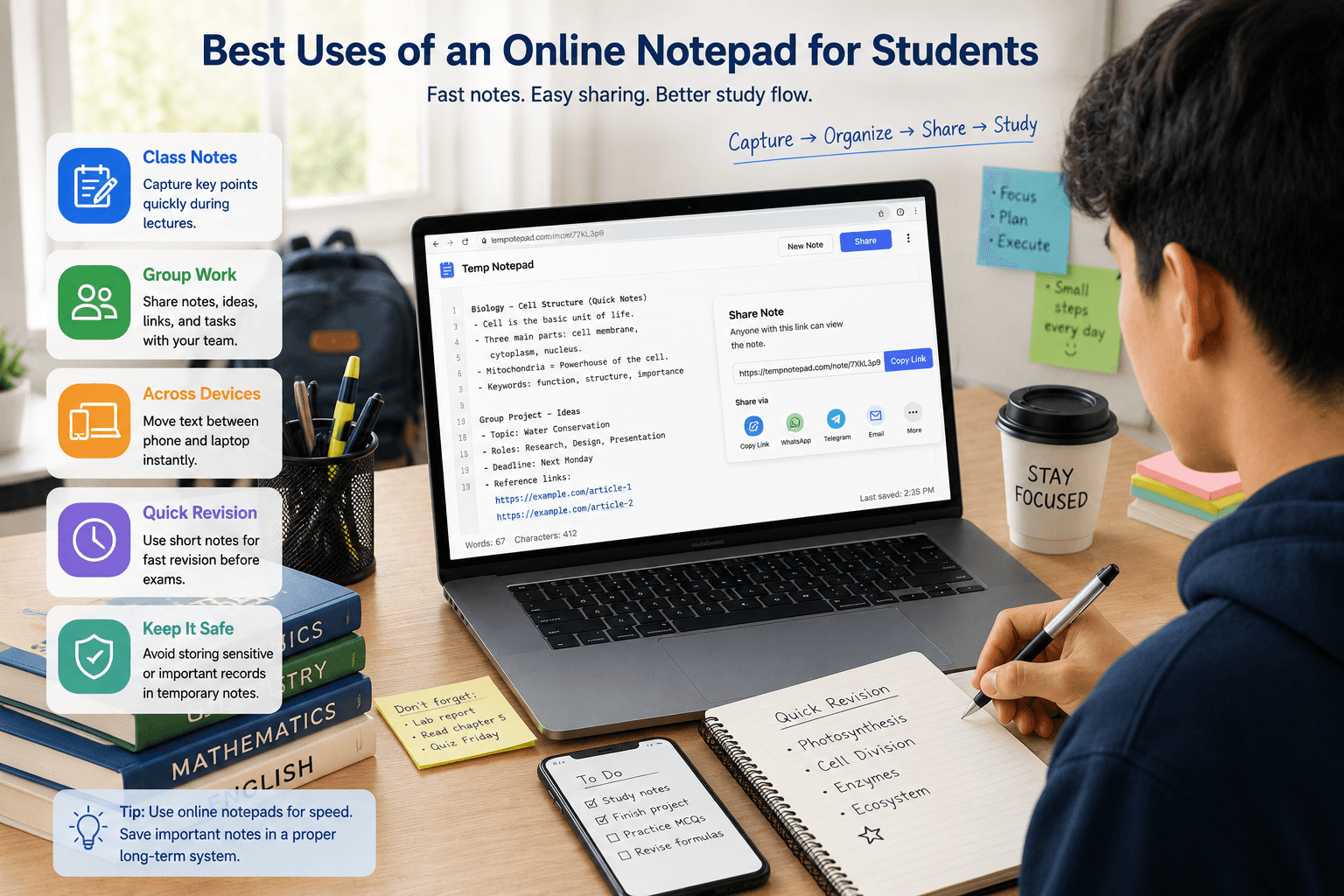
Discover how students can use an online notepad for class notes, study groups, rough drafts, revision points, and moving text between devices.
- An online notepad helps students start writing quickly during class or revision.
- It works well for rough notes, group sharing, copied references, and short text tasks.
- Students can use it to move text between phone and laptop without extra apps.
Read more about Online Notepad for Students: Best Uses and BenefitsBasics · 2026-05-29 · 6 min read
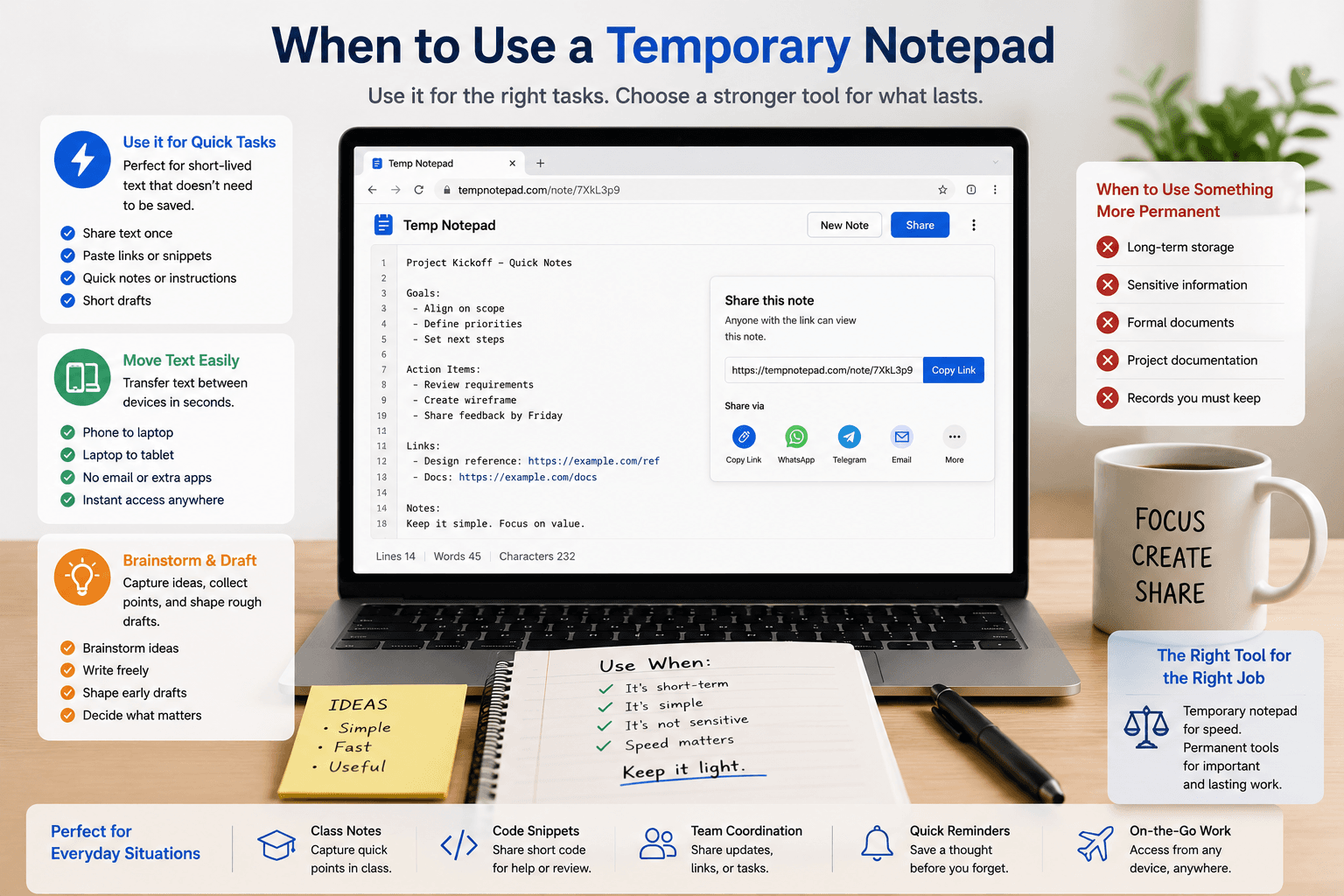
Learn the best times to use a temporary notepad for quick notes, short text sharing, rough drafts, and moving text between devices.
- A temporary notepad is best for short-lived text and quick tasks.
- It works well for rough drafts, copied text, reminders, and simple sharing.
- It is also useful for moving text between devices quickly.
Read more about When to Use a Temporary NotepadProductivity · 2026-05-29 · 6 min read
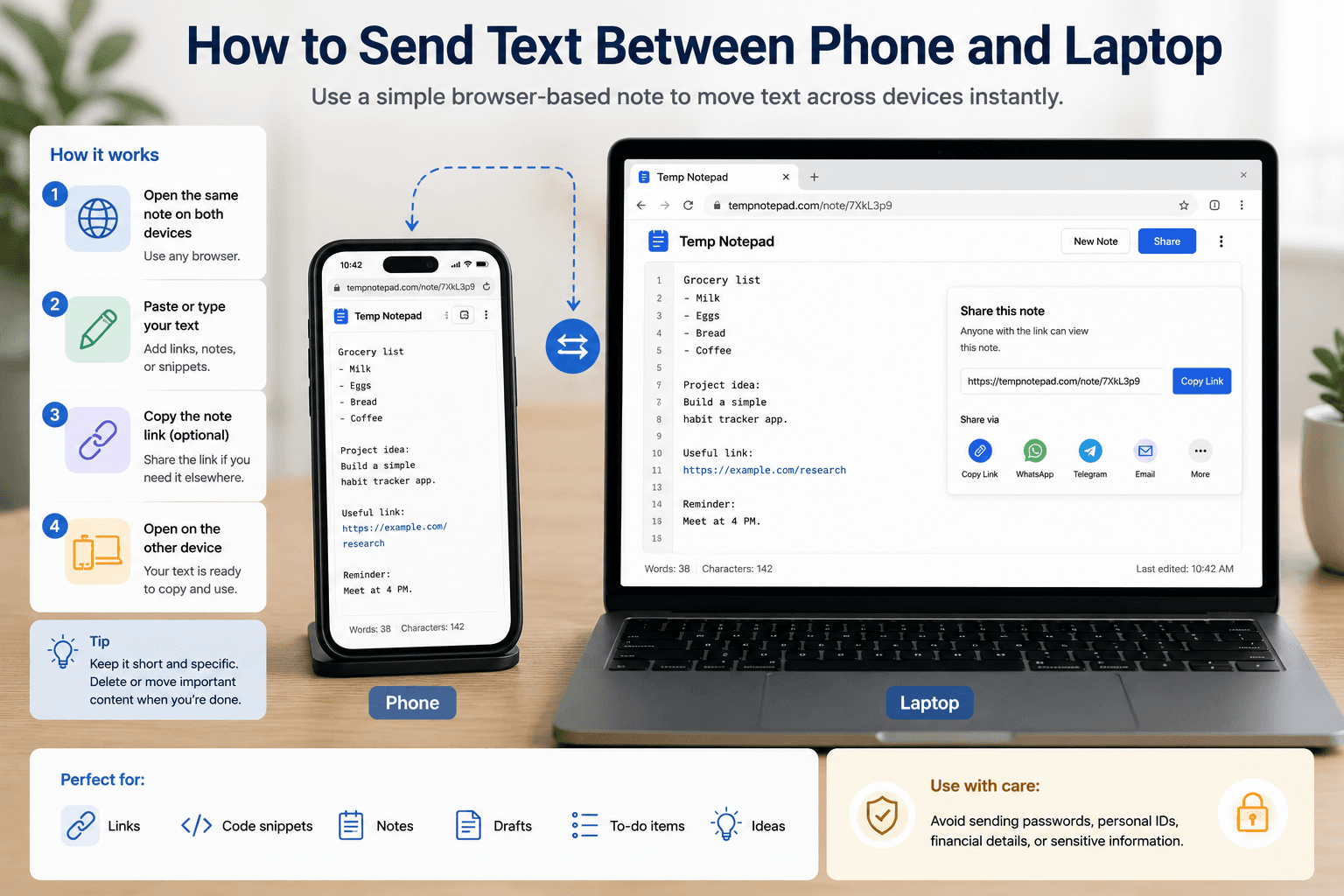
Learn simple ways to send text between your phone and laptop using a browser-based note page, without extra apps or complicated setup.
- A browser-based note page is a simple way to move text between phone and laptop.
- This method works well for links, snippets, copied text, and rough notes.
- It removes the need for extra apps in many quick-use situations.
Read more about How to Send Text Between Phone and LaptopComparisons · 2026-05-29 · 7 min read
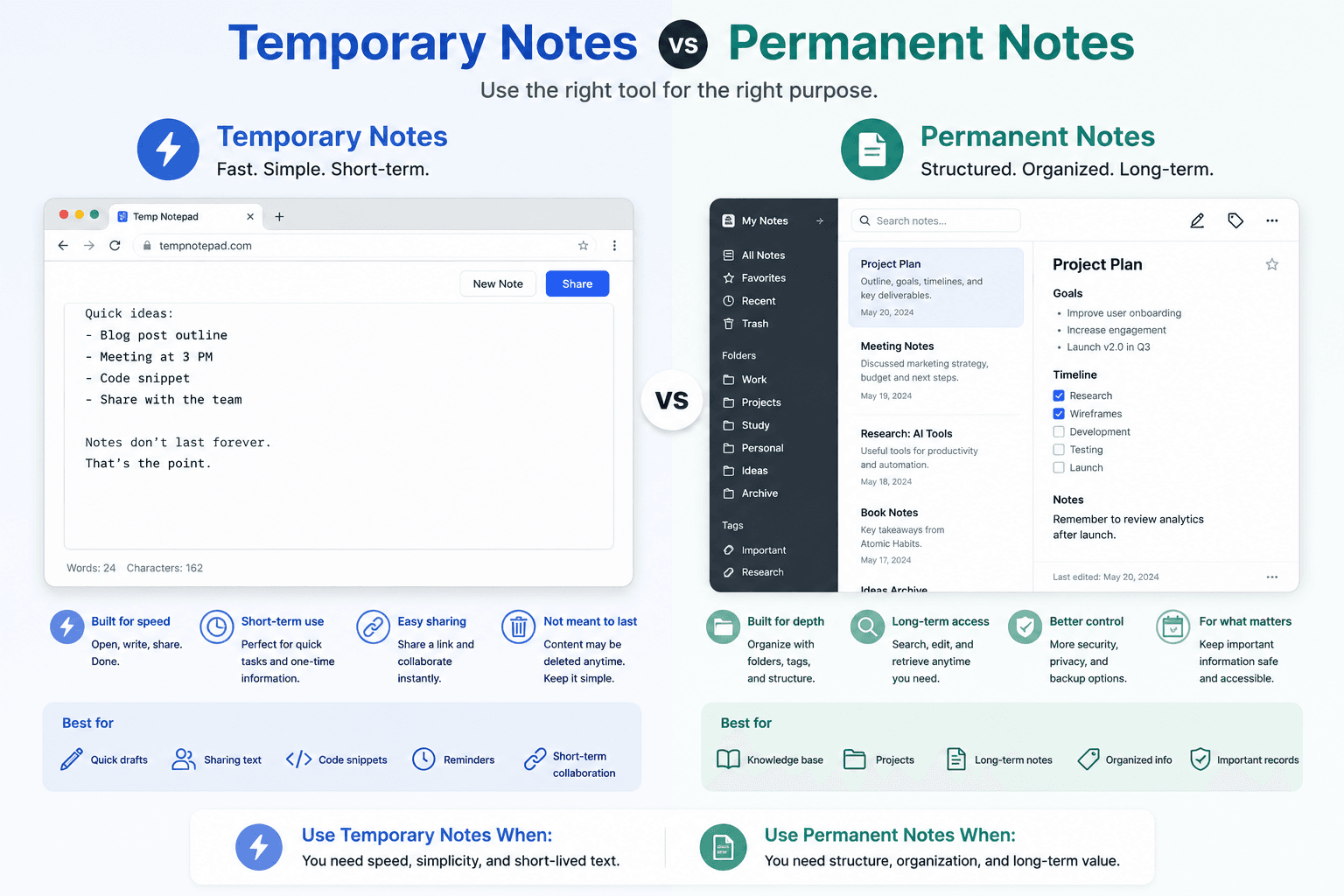
Compare temporary notes and permanent notes so you know when to use a lightweight online notepad and when to use a full note app.
- Temporary notes are faster for simple text tasks.
- Permanent notes are better for archives and long-term organization.
- The right choice depends on purpose, retention, and sensitivity.
Read more about Temporary Notes vs Permanent NotesDevelopers · 2026-05-29 · 6 min read
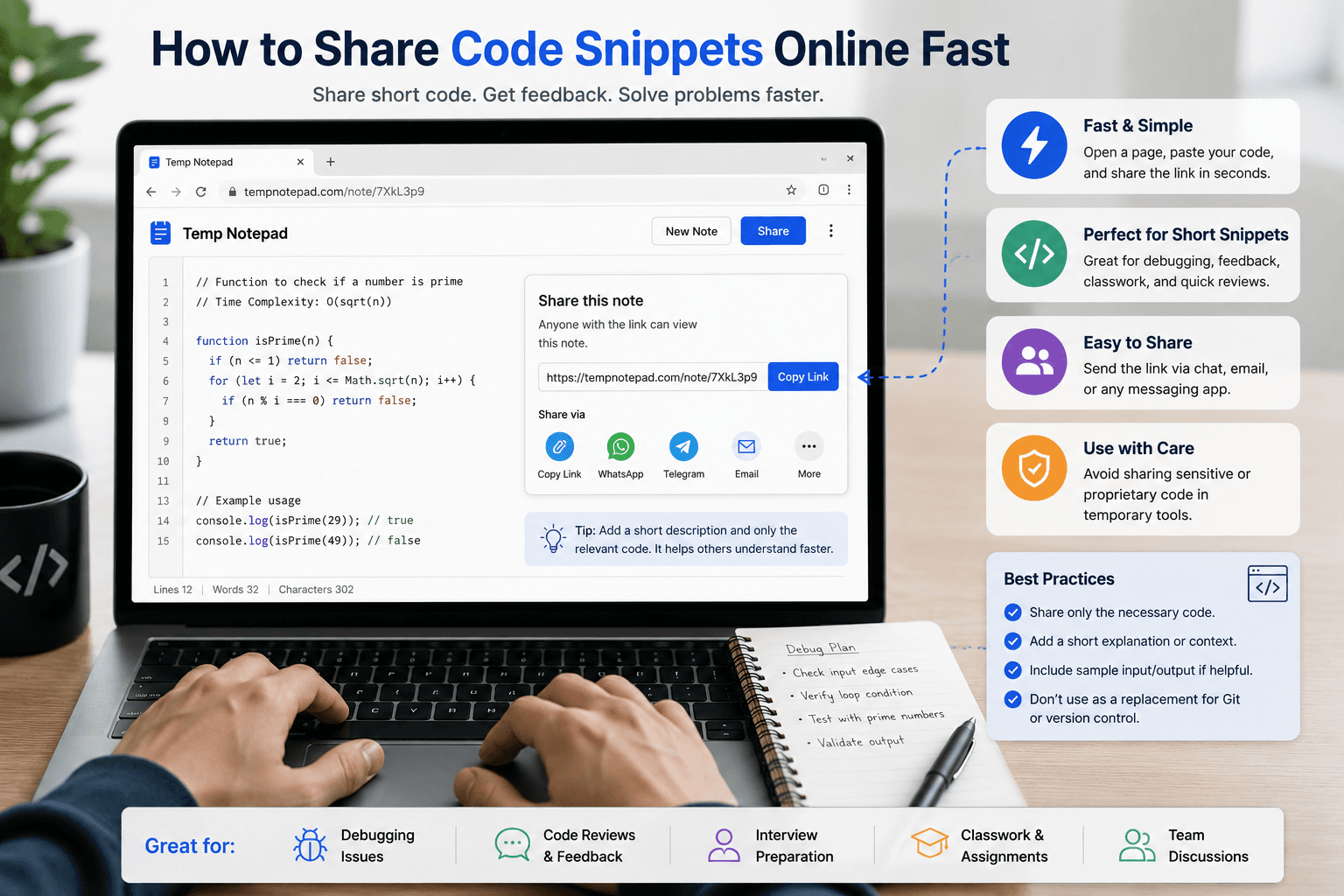
Learn the fastest practical ways to share short code snippets online for debugging, feedback, classwork, and team discussion.
- Short code sharing should be fast and low friction.
- Temporary pads work best for lightweight debugging and review.
- Do not use them as a replacement for full version control.
Read more about Share Code Snippets Online FastTeams · 2026-05-29 · 6 min read
See how teams can use an online notepad for rough collaboration, fast internal text sharing, and temporary coordination.
- Teams need different tools for different levels of work.
- Temporary notes are good for quick internal coordination.
- They reduce friction for lightweight tasks.
Read more about Online Notepad for Quick Team CollaborationStudents · 2026-05-29 · 6 min read
Use temporary online note pages for study groups, class coordination, revision points, and quick academic collaboration.
- Study groups benefit from simple tools during fast collaboration.
- Temporary pages help gather links, tasks, and rough explanations.
- Low-friction workflows reduce coordination waste.
Read more about Quick Note Sharing for Classes and Study GroupsBasics · 2026-05-29 · 5 min read
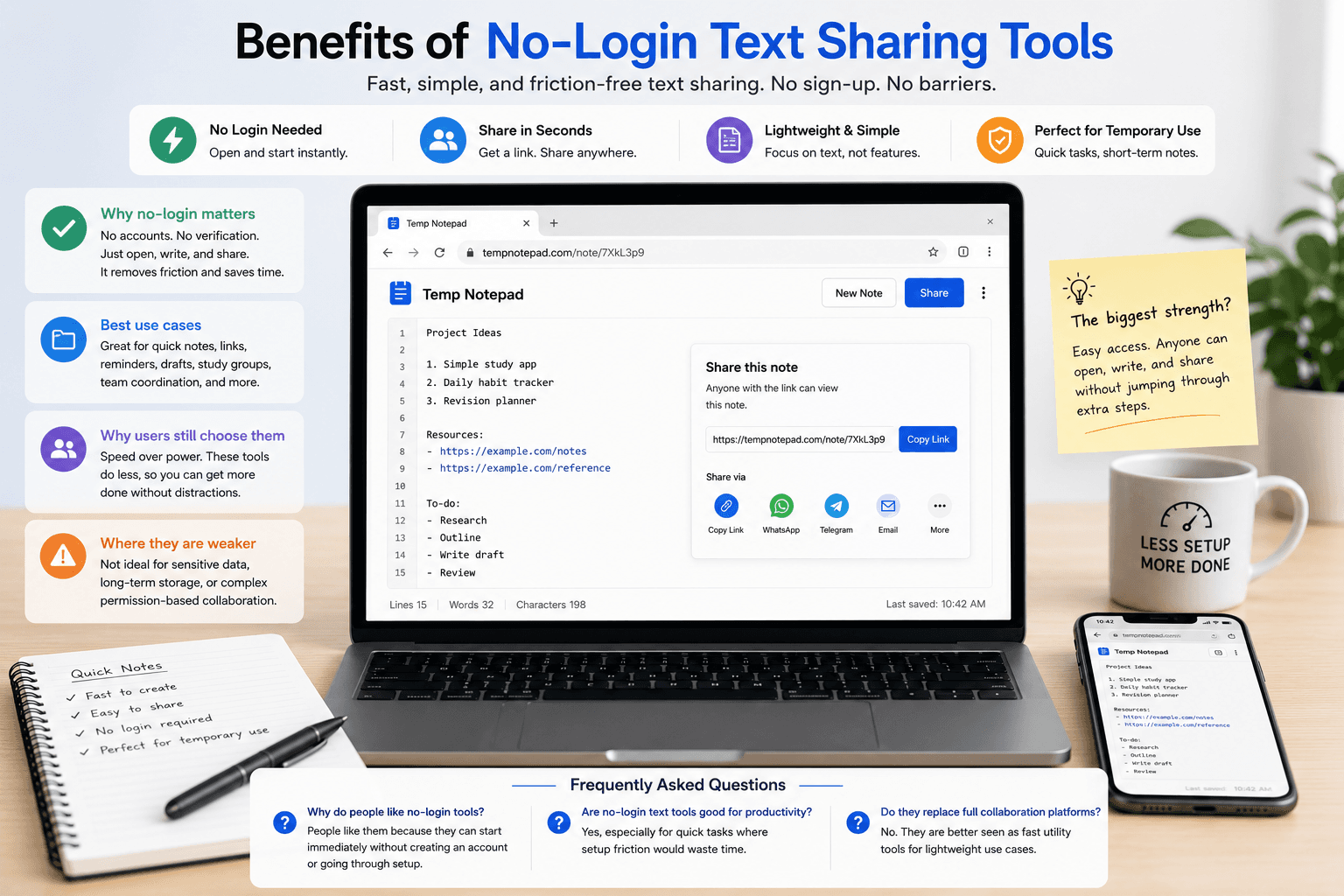
Learn why no-login text-sharing tools are useful for fast collaboration, temporary notes, and friction-free workflows.
- No-login tools reduce user friction.
- They are ideal for temporary and lightweight tasks.
- Ease of access is their biggest strength.
Read more about Benefits of No-Login Text Sharing ToolsProductivity · 2026-05-29 · 6 min read
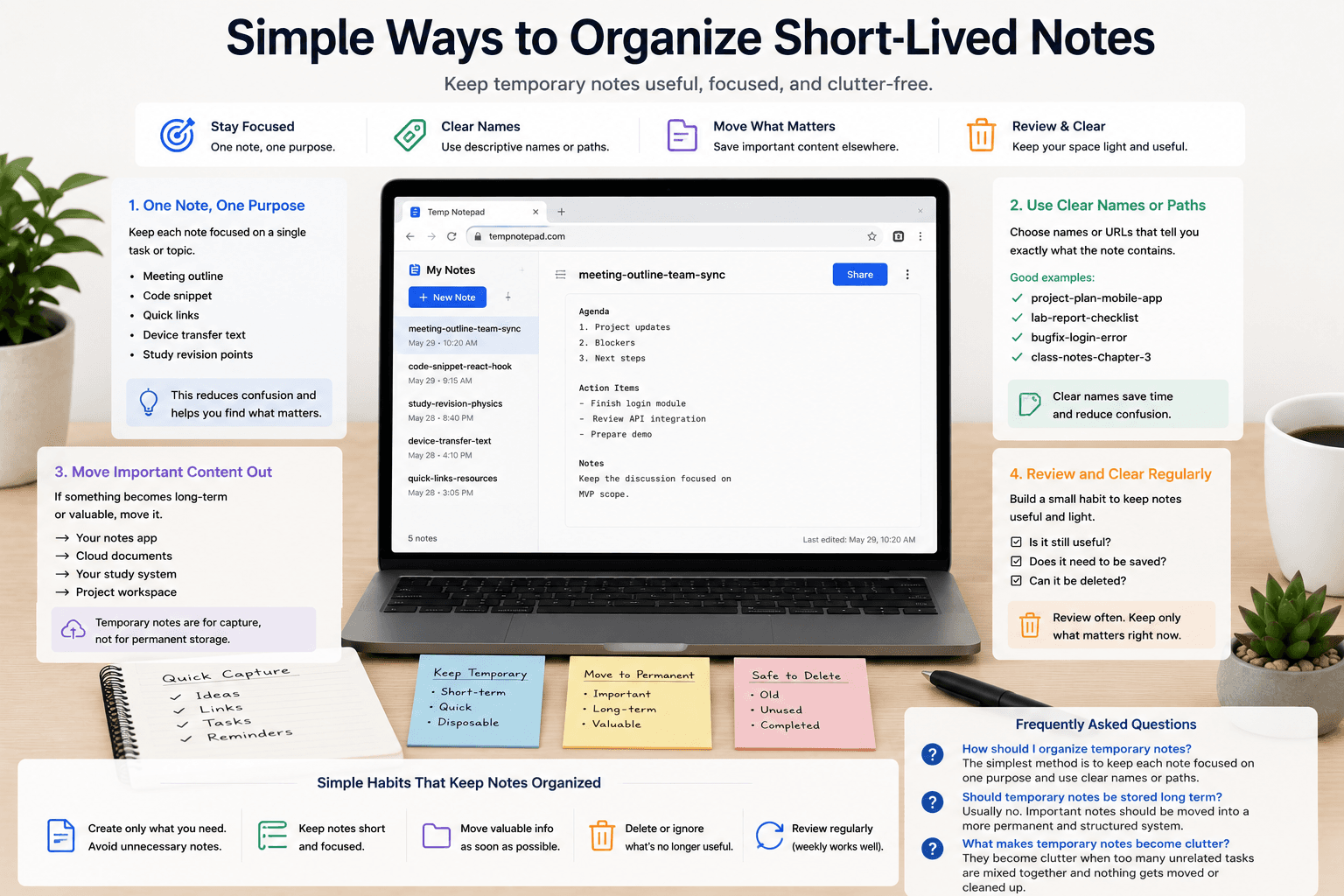
Keep temporary notes useful and uncluttered with simple methods for naming, grouping, reviewing, and deleting short-lived text.
- Temporary notes should stay focused and disposable.
- Simple naming improves usability.
- One task per note keeps things clearer.
Read more about Simple Ways to Organize Short-Lived NotesMore about TempNotepad
TempNotepad is built for fast browser-based writing, temporary notes, and simple text sharing. Open the homepage to create a note instantly and start writing without signup.
Open the TempNotepad homepage