Online Notepad for Students: Best Uses and Benefits
Discover how students can use an online notepad for class notes, study groups, rough drafts, revision points, and moving text between devices.
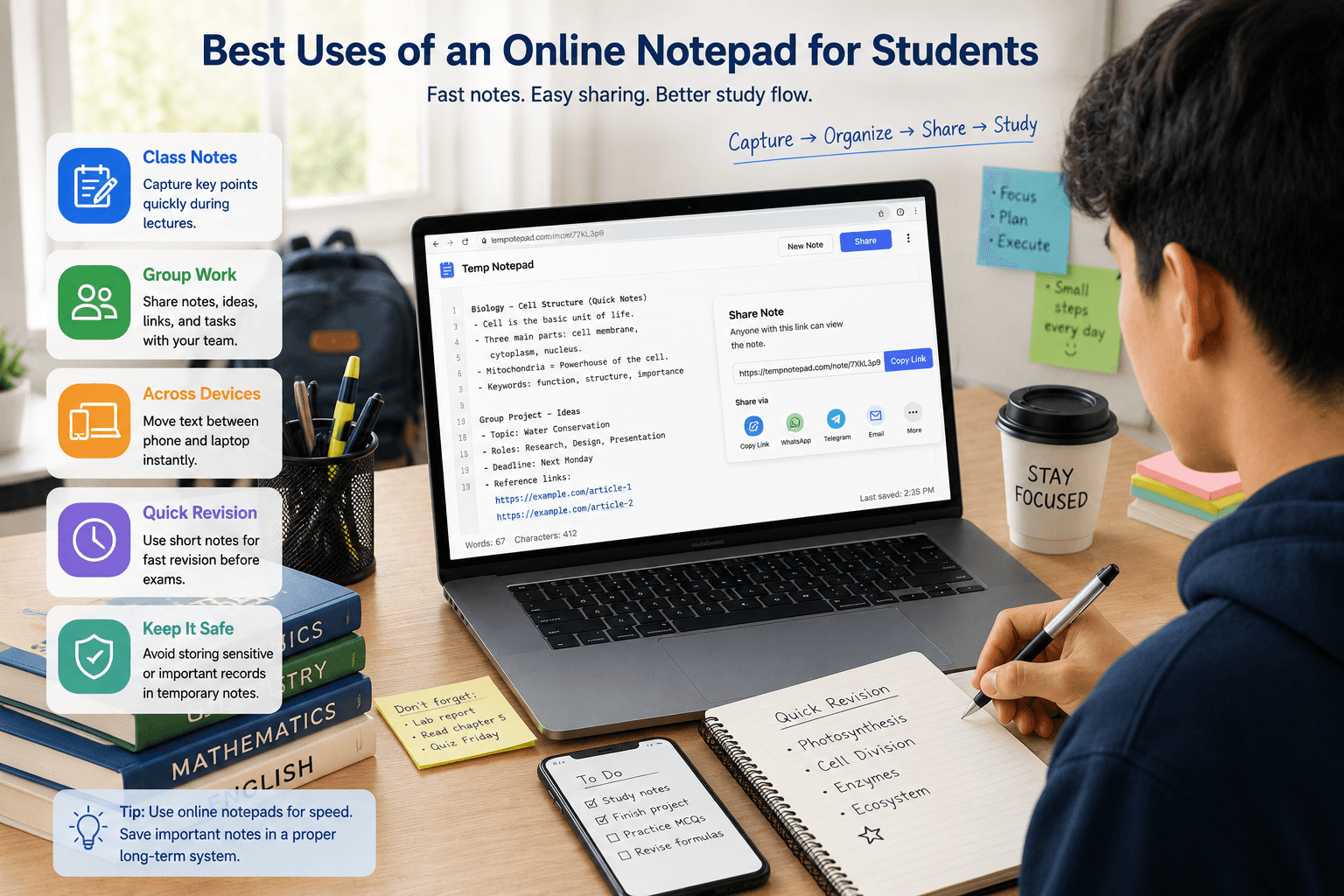
Students often need a fast place to write and share text without logging in to a large document platform. A simple online notepad can be useful for class notes, study sessions, rough drafts, and quick device-to-device text transfer.
Key takeaways
- An online notepad helps students start writing quickly during class or revision.
- It works well for rough notes, group sharing, copied references, and short text tasks.
- Students can use it to move text between phone and laptop without extra apps.
- Important final notes and assignments should still be saved in a long-term system.
Why students use online notepads
Students often need speed more than advanced formatting. In class, during revision, or while discussing work with classmates, it helps to open a note immediately and start typing without account setup.
That low-friction workflow is the main reason an online notepad is useful for students, especially for short writing sessions and temporary notes.
Best uses for students
An online notepad works well for lecture bullets, copied references, study reminders, rough assignment drafts, quick revision lists, and group discussion points. These are all situations where simple text matters more than formal document features.
It is also useful for students who want one quick place to collect links, topic ideas, or snippets before organizing them properly later.
Helpful for study groups and collaboration
Study groups often need a quick place to collect tasks, resource links, rough answers, or revision points. A simple browser-based note page can help the group stay aligned without wasting time on permissions or setup.
That makes it a practical option for lightweight collaboration during classes, projects, and exam preparation.
Moving text between devices
Many students switch between phone and laptop throughout the day. An online notepad can act as a simple bridge when you need to move text, links, or rough notes quickly between devices.
This is especially helpful during labs, study sessions, and busy academic workflows where speed matters.
What students should avoid
A temporary online notepad should not become the final home for sensitive personal information, major assignments, or important long-term notes. When the content becomes valuable, it should be moved into a more permanent and organized system.
That balance keeps the tool useful for quick writing without depending on it for the wrong purpose.
Frequently asked questions
Is an online notepad useful for students?
Yes. It is useful for quick class notes, rough drafts, study groups, copied references, and moving text between devices.
Can students use an online notepad for assignments?
It is useful for rough drafting and quick collaboration, but final assignment work should usually be stored in a proper long-term system.
What is the biggest benefit of an online notepad for students?
The biggest benefit is speed. Students can open a note and start writing immediately without signup or setup friction.
Related articles
Try TempNotepad
Want to create and share a temporary note right away? Open the homepage and start writing instantly without signing up.
Open TempNotepad